Why is There Variation of RSSI?

We sometimes get asked whether a beacon is faulty because a customer is seeing a lot of fluctuation in the Received Signal Strength Indicator (RSSI) values given by smartphones or gateways seeing beacons, even in a seemingly stable environment and with no change in distance. The short answer is: this is normal. The reason for this lies in the complex nature of radio signals and how they interact with the environment.

Radio signals are susceptible to a variety of factors that can affect their received strength. When a beacon sends out a signal, it doesn’t just travel in a straight line to the receiver. Instead, it disperses in multiple directions and can bounce off walls, floors and other objects.

Reflections can cause the signal to take different paths before reaching the receiver. Each path can have a different length and, therefore, a different time delay. This results in a phenomenon known as multipath fading, where multiple copies of the signal arrive at the receiver at slightly different times. This can cause fluctuations in the RSSI values you observe.

While reflections are a primary cause of RSSI fluctuation, they are not the only one. Other physical changes in the environment can also contribute to this variability. For example, the presence of people moving around can affect the signal, as the human body is mostly water and can absorb radio frequencies. Similarly, other electronic devices emitting radio frequencies can interfere with the signal, causing further fluctuations.

To get a more accurate understanding of the signal strength, it’s advisable not to rely on a single RSSI value. Instead, you should look at many RSSI values over a period of time and calculate the average. This approach helps to mitigate the effects of temporary fluctuations and provides a more stable and reliable measure of signal strength.

Many people, particularly researchers, have looked into the intricacies of RSSI and its variability. Various algorithms and methods have been developed to improve the accuracy of RSSI-based distance estimation and location tracking. For those interested in a deeper understanding or potential solutions to this issue, we recommend looking at the articles tagged RSSI and RSSIStability on our blog.
Is it Possible to Use One App to Manage All Beacons?

There are lots of brands of iBeacon and Eddystone beacon. Each brand has its own management app. We have often been asked,

“Is it possible to have just one app to manage different brands of beacon?”

While it’s technically possible, there’s no incentive for anyone to create such an app. Creating just one app to manage one beacon brand, across iOS and Android is significant effort in itself.

Google identified this problem and created the Eddystone Configuration GATT Service. The idea is that if manufacturers used just this, apps and beacons would be inter-operable. However, people want to configure iBeacon as well as Eddystone. Manufacturers also want to allow users to configure and read sensor data. Also, using Eddystone Configuration GATT Service software in all future beacons does nothing to help manage the large number of beacons that are already out there.

As of writing this, in 10 years since Eddystone Configuration GATT Service was published, no apps have been published that work with the Eddystone Configuration GATT Service. However, the Nordic nRF Connect app does understand some of the Bluetooth Characteristics to better read these kinds of beacons. There hasn’t been a rush for manufacturers to use Eddystone Standard GATT.

Back to the question. It looks like there will be a separate app per manufacturer for the foreseeable future.

How Far Can a Bluetooth Beacon Measure Distance?

A common misconception is that beacons can measure distance. In reality, beacons, with the exception of some specialist social distancing beacons and sensor beacons with an additional distance sensor, are designed to send signals rather than receive them.

Distance is determined on the receiving device rather than by the beacon itself. Devices such as smartphones are able to detect the signals transmitted by nearby beacons. When a beacon emits its Bluetooth radio signal, the receiving device measures the received signal strength indicator (RSSI), which can then be used to estimate how far the device is from the beacon.

Within a range of a few metres, changes in RSSI are usually noticeable enough to allow the distance to be estimated with reasonable accuracy. As the distance grows, however, these changes become much smaller and less reliable. This means the system can usually identify whether a beacon is nearby or further away, but calculating the exact distance becomes much more difficult.

For instance, Apple’s iOS programming interface CoreBluetooth categorises detected beacon signals into broad proximity groups such as ‘immediate’, ‘near’, and ‘far’. Rather than providing a precise measurement in metres or feet, these categories simply indicate the general closeness of the beacon.

The maximum detection range varies depending on the beacon hardware, but signals can often be picked up from around 50 metres and sometimes up to 100 metres. At these longer distances, however, the RSSI value becomes much less useful for estimating exact distance and instead only suggests whether the beacon is relatively close or relatively distant.

What are the Estimated Distances for Tx Powers?

Beacons allow you to set the transmit power to levels such as -30dBm, -20dBm, -16dBm, -12dBm, -8dBm, -4dBm, 0dBm and +4dBm. The number of actual setting values depends on the beacon. 0dbm is the default power recommended for normal use. Our article on Choosing the Transmitted Power explains these values and how they relate to distance.

We are often asked ‘What are the Estimated Distance/s for Tx Powers?’. This depends on the beacon, the environment and the receiver. An analogy is someone shouting a word. How loud does someone have to shout to be heard a certain distance? It depends on how clear the person shouts, how much noise there is and how well the person listening can hear. With beacons it depends on the beacon (mainly antenna) design, how much radio frequency (RF) noise there is, the degree of RF reflections, the receiving ability of the device (smartphone or gateway) you are using and even the weather.

The only way to determine the relationship between distance and power is experimentally and it will likely change over time as the environment changes.

Which Beacons Support AltBeacon?

Our past post explains how AltBeacon fits into the range of advertising beacons can send and a further post describes the actual data format.

The following beacons support AltBeacon:

https://www.beaconzone.co.uk/FSC-BP101
https://www.beaconzone.co.uk/Feasycom/FSC-BP108
https://www.beaconzone.co.uk/Feasycom/FSC-BP109

The following beacons support custom advertising so can therefore also be set to send AltBeacon advertising:

https://www.beaconzone.co.uk/ibeacon/M52Plus
https://www.beaconzone.co.uk/Meeblue/H1Wristband
https://www.beaconzone.co.uk/Meeblue/m52aplus
https://www.beaconzone.co.uk/Meeblue/M52SAPLUS
https://www.beaconzone.co.uk/Meeblue/M52-SAPlusWaterproof
https://www.beaconzone.co.uk/Meeblue/S1USB

Note however that iBeacon has advantages over AltBeacon as explained in our article.

Can You Provide iBeacons That Pop Up Smartphone Notifications?

This question comes up a lot. You might have read that beacons can be used to pop up notifications. Such a mechanism, called Google Nearby Notifications, existed prior to October 2018 after which it was discontinued.

Today, there are two ways to cause beacons to trigger notifications:

Why Doesn’t The Beacon Achieve The Specified Range?

The distance that a beacon can transmit is shown in the specification tab for each beacon. This is the maximum range specified by the manufacturer at maximum power under ideal conditions.

Here are some tips if the range is less than expected:

  • Make sure the beacon is operating in normal rather than configuration or connectable mode. Some beacons transmit differently or only for a limited time when they are in connectable mode. For example, with AnkhMaway beacons, make sure the mode has been set to ‘On’ either in the configuration app settings or via service/characteristic parameters.
  • Make sure the beacon is set to 0dBm transmit power (or higher) rather than a negative value that indicates the beacon is to transmit with reduced power.
  • Re-orient the beacon. Most beacons have antennas on the printed circuit board that have differing transmission characteristics depending on their orientation to the observer and whether they are shielded by other components such as the battery. Experiment with different orientations in each of the three dimensions.
  • Try a different observing device (phone). Different phones have different receiving characteristics.
  • Try at a different place. In rare circumstances, the area might be congested with 2.4GHz interference from other beacons, WiFi or other equipment. The area might have particular radio frequency (RF) blocking or reflective qualities.
  • If you can, try a different beacon of the same model to isolate whether it’s a faulty beacon.

The maximum specified range is rarely achieved for any beacon although we have experienced cases where we have found beacons to be better than the specification.

All manufacturers, not just those whose beacons we sell, tend to specify the optimum range, outdoors, with no radio interference. You will experience reduced range indoors where there are radio reflections and obstacles. If you need a long range under all circumstances then we recommend you over-specify the beacon range and perhaps look at beacons with an ultra-long range.

What is a Bluetooth WiFi Gateway?

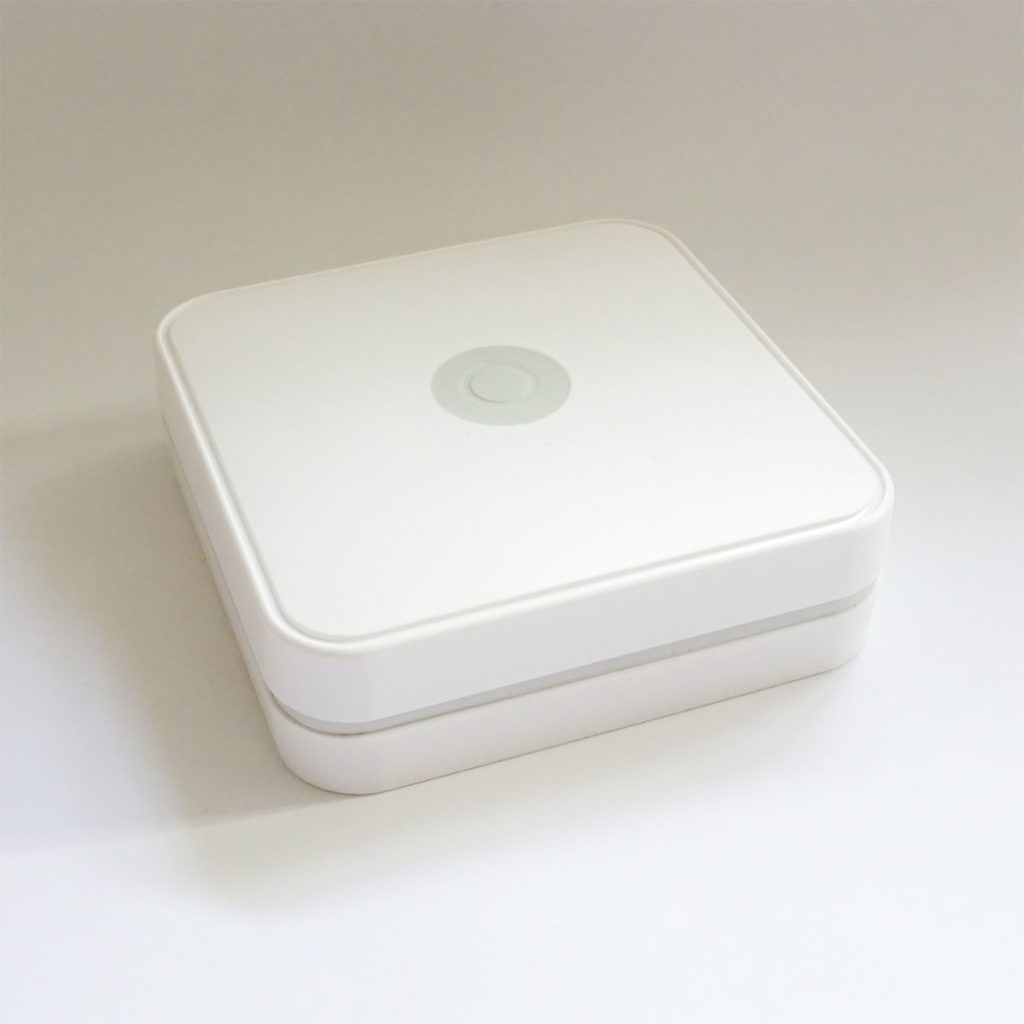
A Bluetooth–Wi-Fi gateway is a device that links Bluetooth devices to a Wi-Fi network. It enables Bluetooth equipment such as sensors, beacons and other IoT devices to communicate over Wi-Fi and exchange data with other devices on the local network, with remote servers or with cloud services.

These gateways contain both Bluetooth and Wi-Fi radios and act as a bridge between the two technologies. They are widely used in Internet of Things (IoT) applications, where they provide a simple way to bring a wide range of Bluetooth devices onto an existing Wi-Fi network so they can interoperate and share data.

Configuration is typically carried out through web pages hosted on the gateway itself. From these pages you can configure the Wi-Fi access point that the gateway connects to, specify the destination server (often using protocols such as HTTP or MQTT) and define which Bluetooth devices are permitted to have their data relayed. The configuration usually includes filtering options, allowing you to manage data sources based on Bluetooth advertising data and/or Bluetooth MAC address. Power for the gateway is generally supplied via a USB connection, which is used purely for power and not for data transfer.

In addition to Wi-Fi models, there are also gateways that connect to the network via Ethernet rather than wireless connectivity, providing a wired alternative for more throughput or better reliability.

View Gateways

How Many Connections Can an iBeacon Support?

We sometimes get asked how many connections an iBeacon can support? The answer is ‘1’ but it’s often the right answer to the wrong intended question! The intended question is usually “How many receivers can see a beacon?”

Beacons don’t usually connect. They just advertise and can be seen by a very large number of receivers that include phones, gateways or single board computers such as the Raspberry Pi. The beacon doesn’t even know the receivers are there.

The receivers only usually connect once, during setup via an app, to set the initial beacon parameters. When connected, the beacon doesn’t advertise which prevents extra receivers from connecting. Once set up, the app disconnects and the beacon starts advertising again.

This post discusses the factors relating to how many receivers can see a beacon.

Should I Use the Manufacturer iBeacon SDKs?

Some manufacturers offer SDKs to allow programmatic access to their beacons from iOS and Android.

Most SDKs tend to be poorly implemented/documented, tie your code into using that particular beacon and rarely get updated to use newer mobile platform APIs. They also tend to be very thin abstractions over the Android and iOS Bluetooth APIs.

If you rely on a beacon manufacturer that doesn’t update their SDK, it’s eventually the case that the underlying Android and/or iOS API changes such that your solution becomes non-optimal and, in the worse case, breaks.

Instead, when you can, we recommend you use the iOS and Android Bluetooth APIs directly to make your code independent of the beacon type. In this way you don’t end up depending on intermediate code and this has the benefit that you can more easily change beacon providers.

Alternatively, use an independent 3rd party library such as Radius Network’s iOS SDK or Nordic’s Android Library.